Done in a minute, 3 steps
No more jumping between map and editing apps.
Pick a country
Choose from the list or tap it on the map. You start with a random country, and can pick up to 3.
Add your character
Built-in characters, emoji or your photo. Background removal runs on your device.
Pick a line and save
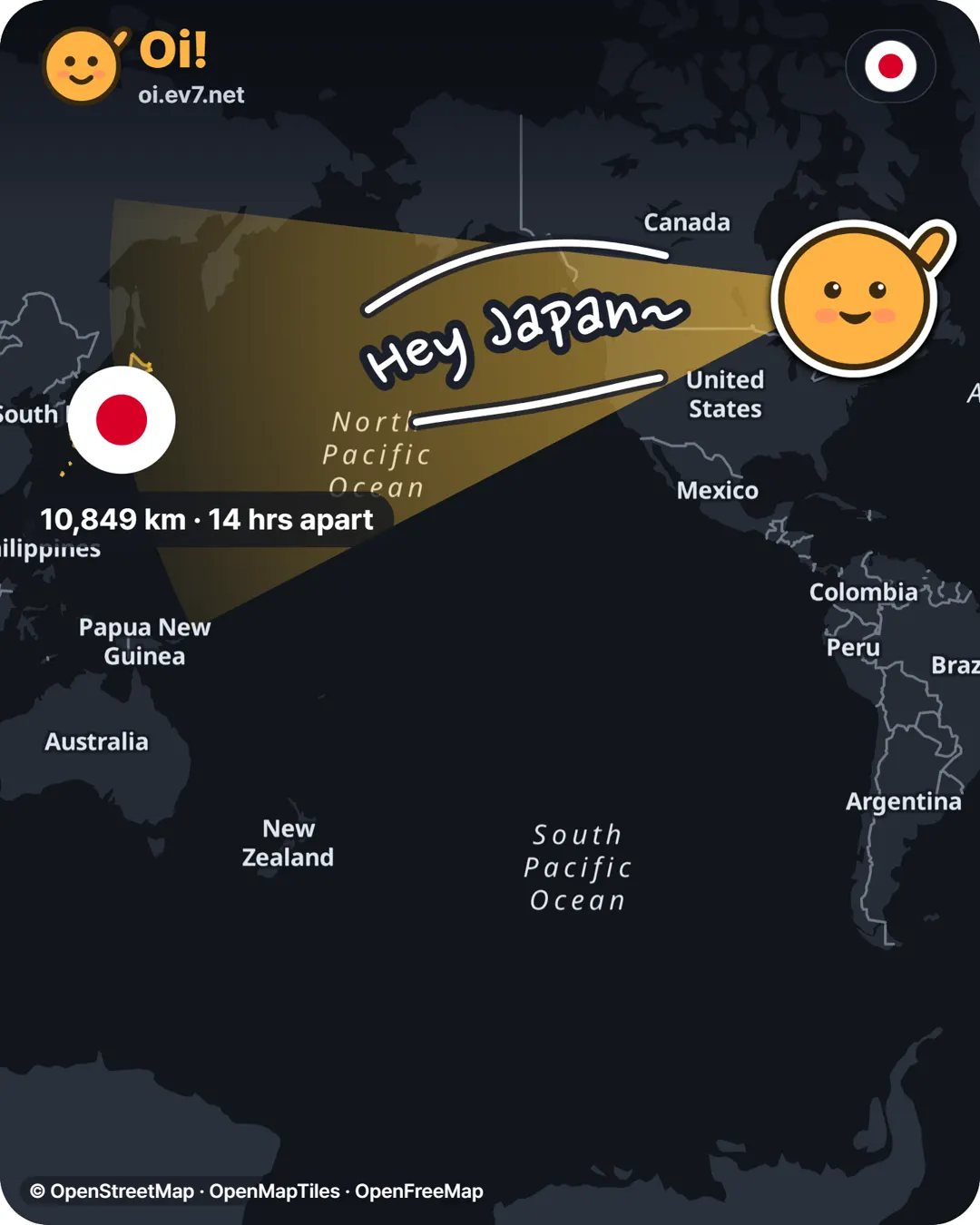
A “Hey, everyone~” line in their language curves into place. Save as image or video and share.
What you’ll get
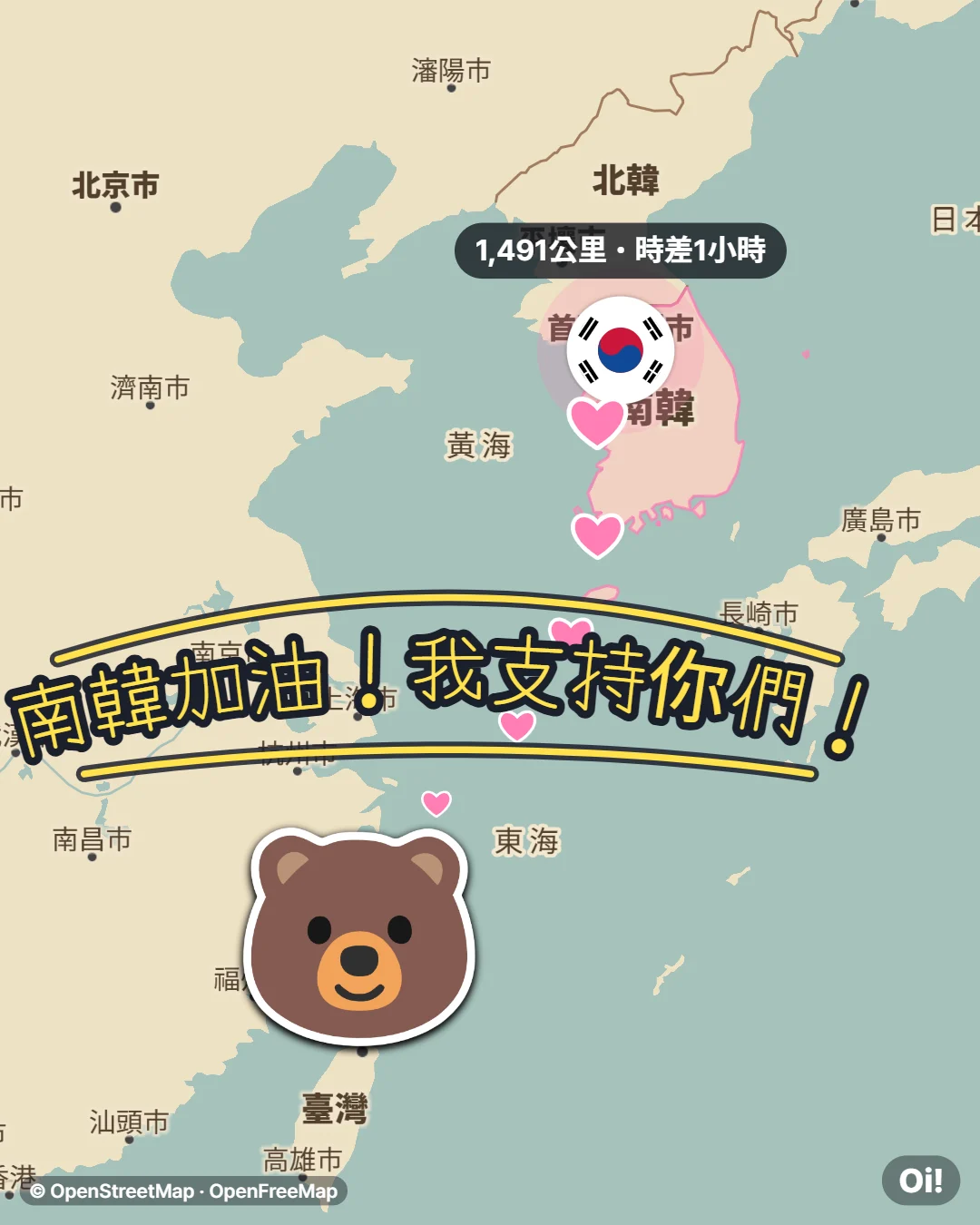
Mix map styles, beams, fonts and languages.
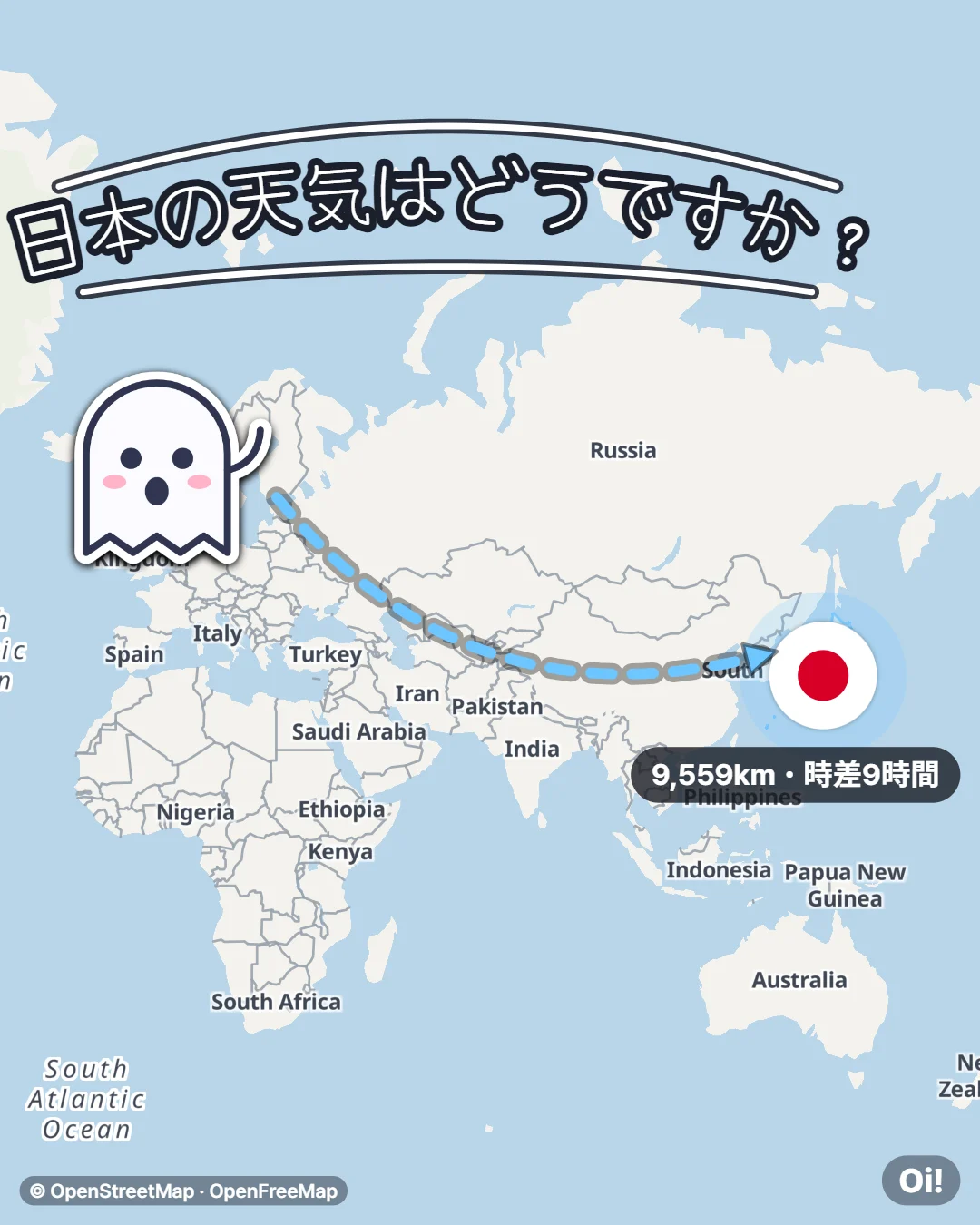
Faster and more accurate than by hand
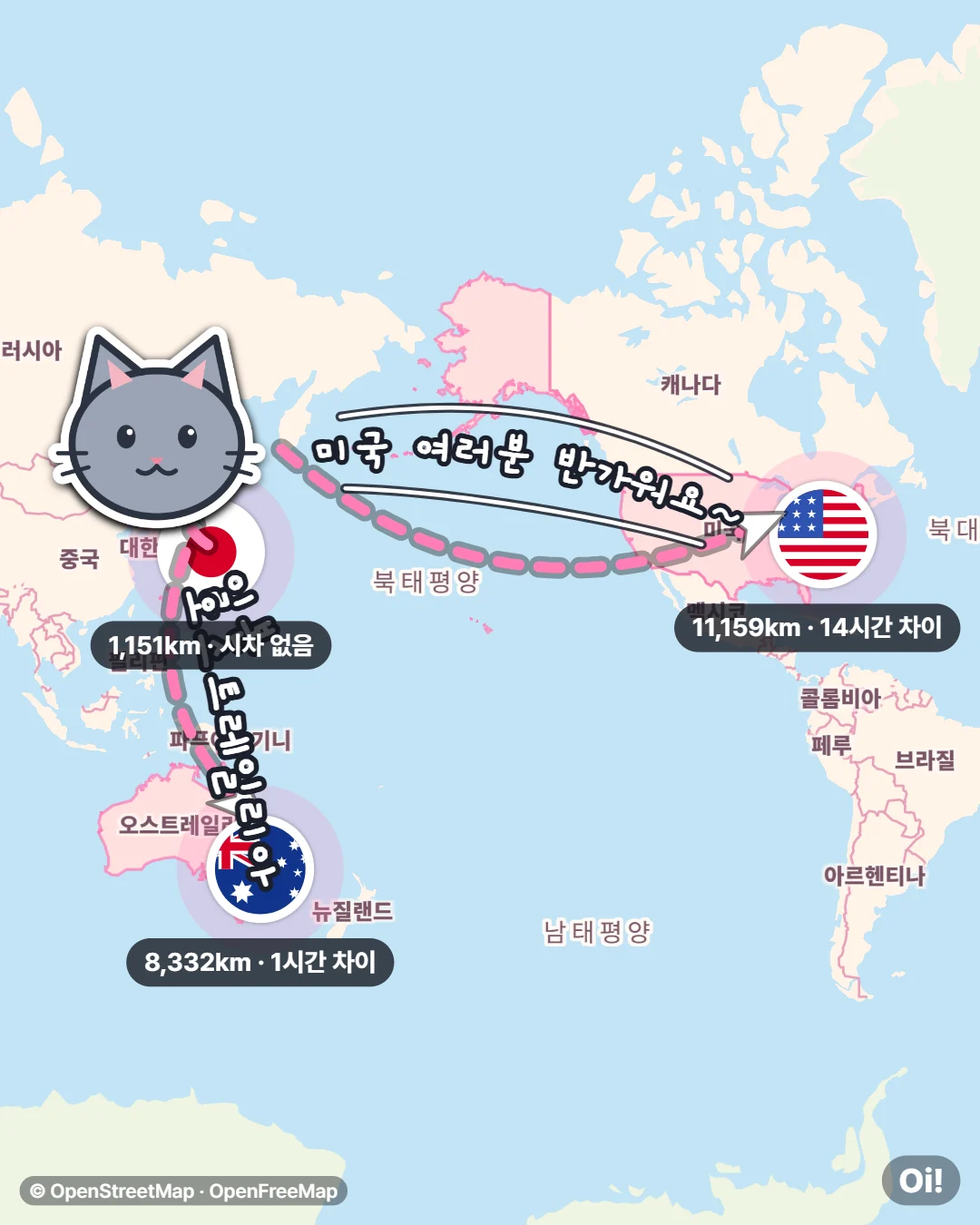
The arrow points at the real country on the map.
Automatic direction
Even Korea to the US across the date line points over the Pacific.
Animated video
A short clip of the beam shooting out for Stories and Reels.
Reply links
Friends who open your link can make a reply pointing back at you.
13 languages
Korean, English, Japanese, Chinese, Spanish and more. The message switches to their language.
Distance & time gap
Labels like “1,151 km · same time zone” are added for you.
Online now
The country list shows where people are using Oi! right now.
Edit right on the map
Tap the character, text or flag to resize and rotate it by hand.
5 aspect ratios
4:5, 9:16, 1:1, 16:9 and an uncropped original. Fits feeds, stories and thumbnails.
Draw yourself
Decorate the map with pens, arrows, text, stickers and photos.
FAQ
Is it really free?
Yes. No sign-up, free to use. A small Oi! mark appears at the bottom right.
Is my photo uploaded?
No. Loading photos and removing backgrounds both happen on your device.
Can I use the map image?
It uses OpenStreetMap data and adds the credit automatically. All fonts are OFL licensed.
Does it work on phones?
Yes. Make it in your phone’s browser and share straight to Threads or Instagram.
Is there an Android app?
Yes. On Android, use the “Oi!” app on Google Play. On iPhone and PC it still runs right in the browser.